What Antigravity and Argon are
Antigravity is Google’s app for AI agents. An AI agent is an AI that does the work on your computer instead of only talking to you about it. Gemini 4 Argon is Google’s most powerful model for building things, and it runs inside Antigravity. Put the two together and you get a builder that plans the job, writes the files, runs them, checks them and keeps going while you get on with your day. You describe what you want in plain words.
What Google says about it
In the video, these figures come from Google’s own announcement, so treat them as Google’s numbers:
- Inside Google, the code written by agents went up by over 35%, and the changes that had to be pulled back went down by nearly a third.
- Argon helped rework a very old part of Chrome, about six million lines of code, in weeks instead of months.
- It has a working memory of one million tokens. A token is roughly four letters, so it can read a whole project folder before it touches anything.
- When a build fails, it reads the error, works out the cause and tries again until the build passes.
It is a top model, but it does not win every test. The useful question is what it can build for a business.
Four builds from plain English
1. A 3D desk racing game
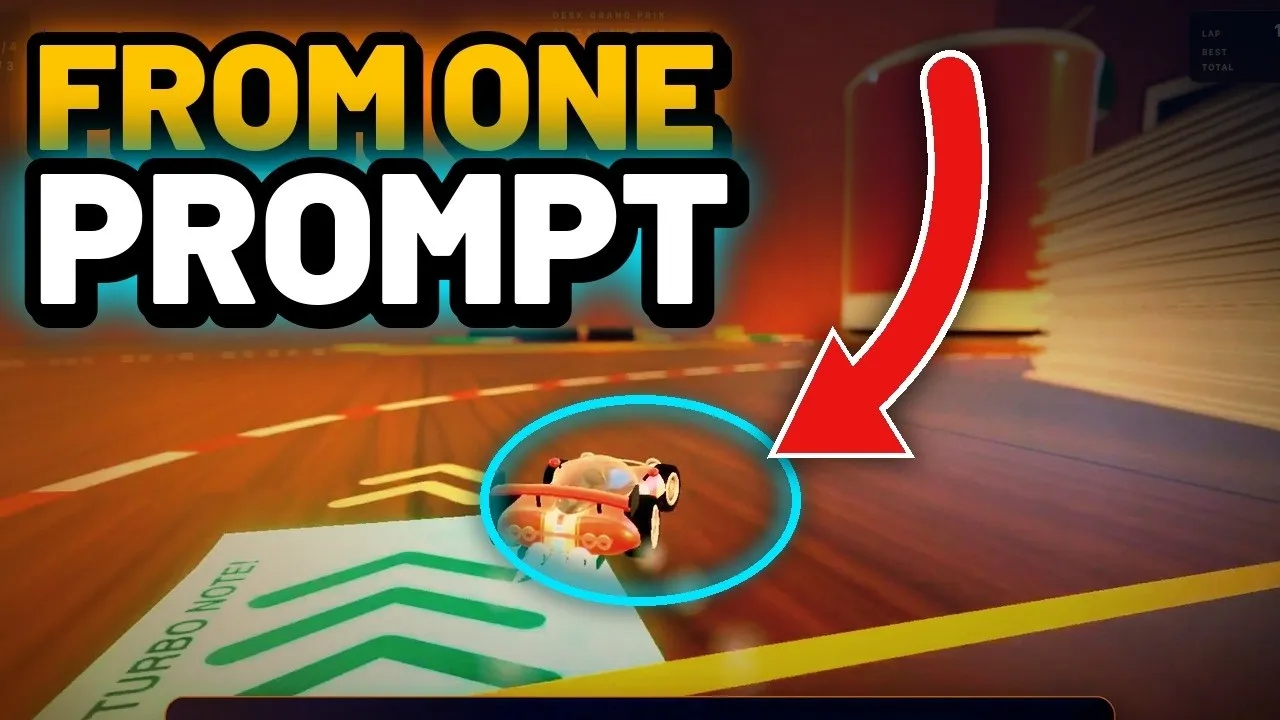
One message asked for a playable 3D micro racing game on a cluttered desk: a tiny toy car, a laptop, a coffee mug, a keyboard to drive across, three rival cars and three laps. What came back had sticky notes as boost pads, a lap timer and a saved best time.
The first version ran, but it looked like stacked boxes in a black void. Nine notes went back (make the car a glossy toy, build a real room behind the desk, make the giant objects fill the frame) and Argon rebuilt the whole look. That round ran so long it timed out and left two small errors, which were fixed by hand.
2. A luxury watch website
The brief was a cinematic one-page site for a made-up luxury watch, where the watch stays pinned and the camera moves around it as you scroll. Argon built the watch entirely out of code, with no photos and no 3D files. It comes apart in the air with labels, shows the gears turning and shifts colour.
The first version took 29 minutes and looked washed out. Seven notes went back (cut the glow, make the steel dark and real, keep the words away from the watch) and the second version came back 10 minutes later. A line worth reusing: “Look at your own page like a tough designer. List the five weakest things and fix them.”
3. A client proposal machine
Point Argon at a messy client folder (call notes, emails, old proposals) and ask for a finished proposal deck in your own style. Then save the method as a skill. The next proposal takes one sentence: “Read the skill, then do a proposal for this folder.” A second demo deck took under four minutes, and it still needed a person to read it before sending.
4. A website rescue
The demo was a deliberately dated site for a made-up plumber: bright blue background, a flashing red banner, Comic Sans and a “best viewed in Internet Explorer 6” line. The message asked Argon to rebuild it to be extremely fast and beautiful while keeping every word and every link exactly the same. It took 19 minutes. The rescued site loads in about a quarter of a second instead of about three (the slowness was planted for the demo) and has a call button stuck to the bottom of the screen on phones.
Always work on a copy of your website and check the result with your own eyes before anything goes live.
The lesson: your notes matter as much as your first prompt
Every build got better the same way. Look at the first version, write down what looks weak, send it back, and let Argon rebuild it. The old way was a brief, then days of waiting and rework. The new way is one paragraph, then Argon plans, builds and tests while you judge the result.
Three doubts, answered
- Argon doesn’t show up. In the video, Antigravity was signed into a different Google account from the paid plan. Argon needs a paid Google AI Pro or Ultra plan, so free and trial accounts won’t see it. The app itself is free, and Gemini 3.8 Flash is on the free plan.
- Limits. There is a weekly limit. Run one big build at a time, save your work early, check what’s left with
/usage, and use Flash for routine jobs. - Not technical? Write in plain English, and read every permission request before you approve it.