What Grok Bot is
Grok Bot is the AI agent from the team behind Grok. Each bot is a teammate with a computer in the cloud. It can open websites, use apps, save files, and keep working while a laptop is closed. The video describes a recent wave of upgrades that let one person run a whole team of bots, and none of the screens in it are built by writing code. You describe the job in plain words.
What changed
Pages
A page is a live screen the bot builds inside the chat. It can be a dashboard, a report, a tracker, or a mission control view. You describe it in plain words. If you want it changed, you tell the bot what to change and it updates the page. You do not edit the screen yourself.
Bots message each other
In one bot’s chat, you can ask it to get something from the other bots. It messages them, they reply, and the answer comes back to you. Before this, a person was the messenger, copying one reply and pasting it into the next chat. Now the bots pass the work along.
Routines
A routine is a job on a schedule. It keeps running while the laptop is shut. In the video, routines can read the bot’s own inbox, they run on your own time zone, and you can run up to 300 of them an hour. The example is a morning sweep plus a bigger territory map once a month, set up once in plain words.
Voice and memory
In the video, voice mode runs on Grok Voice 3.0. The bot can remember earlier calls and recent chats, so you do not explain the business again. Import Memory copies what another assistant already knows. The path shown is Settings > General > Start import.
The vault
When a bot needs to sign in, it can use a saved login without ever seeing the password. The password goes into the website, never into the chat.
Better questions
Decisions come as one-tap choices. In the video, a lead bot asks which territories the next sweep should use, and the answer is A, B, or C. That is what makes a large team manageable: every decision is one tap.
The mission control page
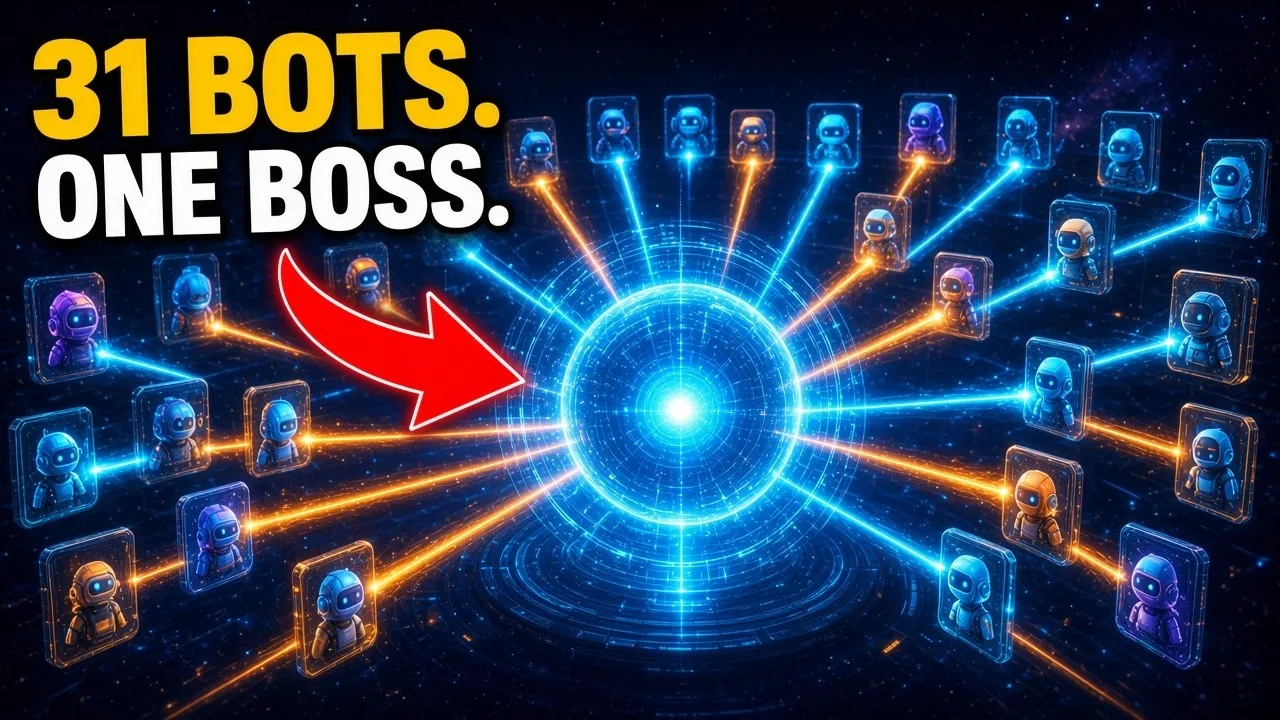
The video opens on a page the bot built inside the chat. Bots sit down the left, each with a line for the last thing it did. Decisions waiting sit down the right, each with approve and later. The middle has a morning brief, a view of what is waiting, focus mode, and voice.
The morning brief sums up how many bots reported in and which decision to do first. Focus mode dims the rest and keeps the noise down. Approve and Later only change what’s on that screen. Nothing gets sent.
A live demo
In the video, the mission control bot is given one job: ask the lead-finding bot and the website-checking bot what they have on roofers in Manchester, then build a page. The page should show the top three businesses, the weak spot on each website, and a one-line opener. It must not contact any business and must not send any email.
The two bots reply in the chat. The lead bot says what it has and what it does not have. It does not invent the rest. The mission control bot then builds a command center: three businesses, a weak spot on each site, review counts all under 200, and a pitch opener for each. The screen says the openers are drafts only and that outbound is none. Nothing goes out. Renaming the page takes one typed sentence.
Bot teams
Lead finding in the video works as a relay. One bot finds businesses. The next checks each one and builds a page for it. A third writes the email as a draft. A person approves at the end.
Other bots in the video handle link-building outreach, free tools that bring in leads, short videos, and a weekly competitor report. They all report into the same mission control page.
A separate bot runs an agent operating system, and its screens are pages too: a home screen, a task manager, a routing map that shows how a job moves through the team, a 3D world view, and a swipe deck where each decision is a card. One screen is how you talk to the team. The other is how you see the team.
The safety rule
Bots find, check, draft, and build. Anything that leaves the business waits for a person. That includes an email, a post, and a site going live. On the command center in the video, the openers stay drafts and outbound stays at none. When a bot does not have a fact, it says so instead of making one up.
The old way is one chat, explaining the business from scratch, copying answers into the next tool, and checking on everything by hand. The new way is bots that remember the business, a morning routine, one bot asking the others, and one screen for the whole team.
You do not have to start with 31 bots. Every bot in the video started as one bot doing one job. The mission control page came later, once there were too many to track. One bot at a time.